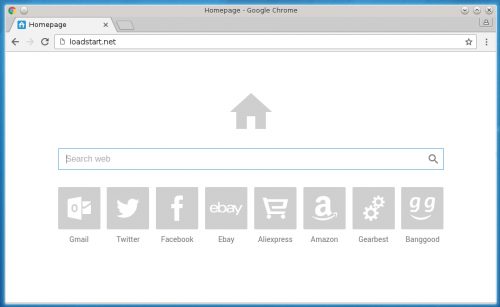
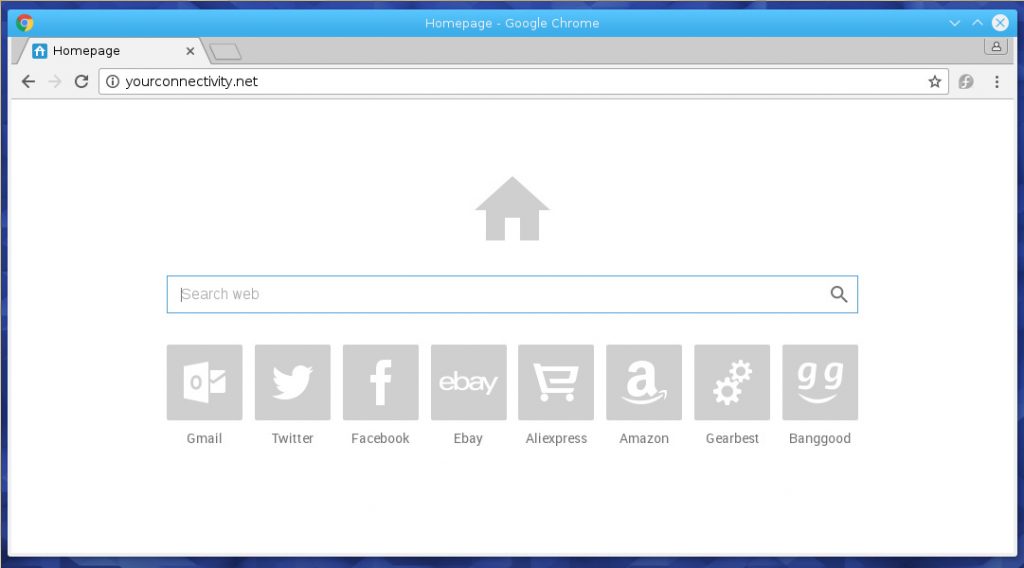
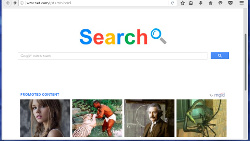
iWebs is a browser hijacker
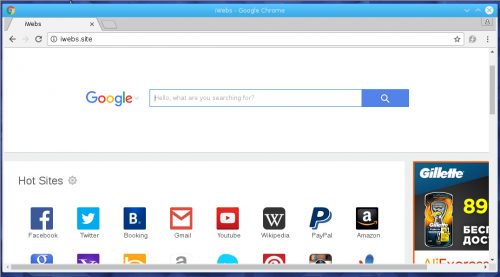
|
| If your browser is redirected to iWebs, then your computer is infected with a browser hijacker. You should immediately check your PC using an antivirus or antispyware software. |
Name: iWebs
Type: Adware/Browser Hijacker
Danger Level: Low/Medium
Symptoms: browser opens www.iwebs.site, redirects to random websites, a lot of asnnoying ads
Distribution Method: iWebs browser hijacker is integrated into the installation package of various free programs
HijackThis may show infection:
R1 - HKCU\Software\Microsoft\Internet Explorer\Main,Search Page = http://www.iwebs.site/{param}
R1 - HKLM\Software\Microsoft\Internet Explorer\Main,Default_Page_URL = http://www.iwebs.site/{param}
R1 - HKLM\Software\Microsoft\Internet Explorer\Main,Default_Search_URL = http://www.iwebs.site/{param}
R1 - HKLM\Software\Microsoft\Internet Explorer\Main,Search Page = http://www.iwebs.site/{param}
R0 - HKLM\Software\Microsoft\Internet Explorer\Main,Start Page = http://www.iwebs.site/{param}
R0 - HKLM\Software\Microsoft\Internet Explorer\Search,SearchAssistant = http://www.iwebs.site/{param}
R0 - HKLM\Software\Microsoft\Internet Explorer\Search,CustomizeSearch = http://www.iwebs.site/{param}
R0 - HKCU\Software\Microsoft\Internet Explorer\Main,Local Page = http://www.iwebs.site/{param}
R0 - HKLM\Software\Microsoft\Internet Explorer\Main,Local Page = http://www.iwebs.site/{param}
FRST may show infection:
HKLM\Software\Microsoft\Internet Explorer\Main,Start Page = http://www.iwebs.site/{param}
HKLM\Software\Wow6432Node\Microsoft\Internet Explorer\Main,Start Page = http://www.iwebs.site/{param}
HKLM\Software\Microsoft\Internet Explorer\Main,Default_Page_URL = http://www.iwebs.site/{param}
HKLM\Software\Wow6432Node\Microsoft\Internet Explorer\Main,Default_Page_URL = http://www.iwebs.site/{param}
HKLM\Software\Wow6432Node\Microsoft\Internet Explorer\Main,Local Page = http://www.iwebs.site/{param}
HKU\{clsid}\Software\Microsoft\Internet Explorer\Main,Start Page = http://www.iwebs.site/{param}
SearchScopes: HKU\{clsid} -> {clsid} URL = http://www.iwebs.site/{param}
StartMenuInternet: IEXPLORE.EXE - C:\Program Files\Internet Explorer\iexplore.exe http://www.iwebs.site/{param}
CHR HomePage: Default -> www.iwebs.site/{param}
CHR DefaultSearchURL: Default -> http://www.iwebs.site/{param}
CHR DefaultSearchKeyword: Default -> www.iwebs.site
CHR DefaultSuggestURL: Default -> http://www.iwebs.site/{param}
ShortcutWithArgument: C:\Users\user\AppData\Roaming\Microsoft\Windows\Start Menu\Programs\Internet Explorer.lnk -> C:\Program Files\Internet Explorer\iexplore.exe (Microsoft Corporation) -> "hxxp://www.iwebs.site"
ShortcutWithArgument: C:\Users\user\AppData\Roaming\Microsoft\Windows\Start Menu\Programs\Accessories\System Tools\Internet Explorer (No Add-ons).lnk -> C:\Program Files\Internet Explorer\iexplore.exe (Microsoft Corporation) -> "hxxp://www.iwebs.site"
ShortcutWithArgument: C:\Users\user\AppData\Roaming\Microsoft\Internet Explorer\Quick Launch\Google Chrome.lnk -> C:\Program Files (x86)\Google\Chrome\Application\chrome.exe (Google Inc.) -> "hxxp://www.iwebs.site"
ShortcutWithArgument: C:\Users\user\AppData\Roaming\Microsoft\Internet Explorer\Quick Launch\Launch Internet Explorer Browser.lnk -> C:\Program Files (x86)\Internet Explorer\iexplore.exe (Microsoft Corporation) -> "hxxp://www.iwebs.site"
ShortcutWithArgument: C:\Users\user\AppData\Roaming\Microsoft\Internet Explorer\Quick Launch\User Pinned\TaskBar\Google Chrome.lnk -> C:\Program Files (x86)\Google\Chrome\Application\chrome.exe (Google Inc.) -> "hxxp://www.iwebs.site"
ShortcutWithArgument: C:\Users\user\AppData\Roaming\Microsoft\Internet Explorer\Quick Launch\User Pinned\TaskBar\Internet Explorer.lnk -> C:\Program Files\Internet Explorer\iexplore.exe (Microsoft Corporation) -> "hxxp://www.iwebs.site"
ShortcutWithArgument: C:\Users\user\AppData\Roaming\Microsoft\Internet Explorer\Quick Launch\User Pinned\TaskBar\Mozilla Firefox.lnk -> C:\Program Files (x86)\Mozilla Firefox\firefox.exe (Mozilla Corporation) -> "hxxp://www.iwebs.site"
ShortcutWithArgument: C:\ProgramData\Microsoft\Windows\Start Menu\Programs\Avast SafeZone Browser.lnk -> C:\Program Files\AVAST Software\SZBrowser\launcher.exe (Avast Software) -> "hxxp://www.iwebs.site"
ShortcutWithArgument: C:\ProgramData\Microsoft\Windows\Start Menu\Programs\Google Chrome.lnk -> C:\Program Files (x86)\Google\Chrome\Application\chrome.exe (Google Inc.) -> "hxxp://www.iwebs.site"
ShortcutWithArgument: C:\ProgramData\Microsoft\Windows\Start Menu\Programs\Mozilla Firefox.lnk -> C:\Program Files (x86)\Mozilla Firefox\firefox.exe (Mozilla Corporation) -> "hxxp://www.iwebs.site"
ShortcutWithArgument: C:\Users\Public\Desktop\Avast SafeZone Browser.lnk -> C:\Program Files\AVAST Software\SZBrowser\launcher.exe (Avast Software) -> "hxxp://www.iwebs.site"
ShortcutWithArgument: C:\Users\Public\Desktop\Google Chrome.lnk -> C:\Program Files (x86)\Google\Chrome\Application\chrome.exe (Google Inc.) -> "hxxp://www.iwebs.site"
ShortcutWithArgument: C:\Users\Public\Desktop\Mozilla Firefox.lnk -> C:\Program Files (x86)\Mozilla Firefox\firefox.exe (Mozilla Corporation) -> "hxxp://www.iwebs.site"
iWebs removal: To remove iWebs browser hijacker follow the steps below.
- Scan your PC with a free software such as AdwCleaner myantispyware.com/download/adwcleaner and Malwarebytes Anti-malware myantispyware.com/download/malwarebytes-anti-malware.
- Reset Chrome settings by doing the following. Open Chrome menu, then click Settings. Scroll down and click “Show advanced settings”. Scroll down again and click “Reset settings”. Click Reset to confirm it.
- Reset IE setting by doing the following. Open IE menu. Click “Internet Options”, then “Advanced Tab”. Now click Reset button. Select “Delete personal settings ” and click Reset again.
- Reset Firefox setting by doing following. Open Firefox menu. Click Help button, next “Troubleshooting Information”. Here click “Refresh Firefox” and confirm it, click to “Refresh Firefox” again.
- Disinfect the browser’s shortcuts by doing (repeat the step for all your browsers). Right click to a browser shortcut, select Properties. Click Click inside the Target field, locate and remove “http://www.iwebs.site”. Press OK.